projects

Everything on the shelf

One app and four extensions, all local-first. Your work stays on your machine.

Perch

v0.18.4

Websites that ask to record your screen only ever get the single tab that asked — labelled Entire screen, reporting itself as a monitor. The picker opens exactly as it always does, and the site cannot tell the difference.

  • macOS 14+
  • Windows 11
  • Chrome
Capture
ScreenCaptureKit · Windows.Graphics.Capture
Mirror
Page-only crop, click and scroll forwarding
Account
None. Nothing leaves the machine.
Get the Hub Read more

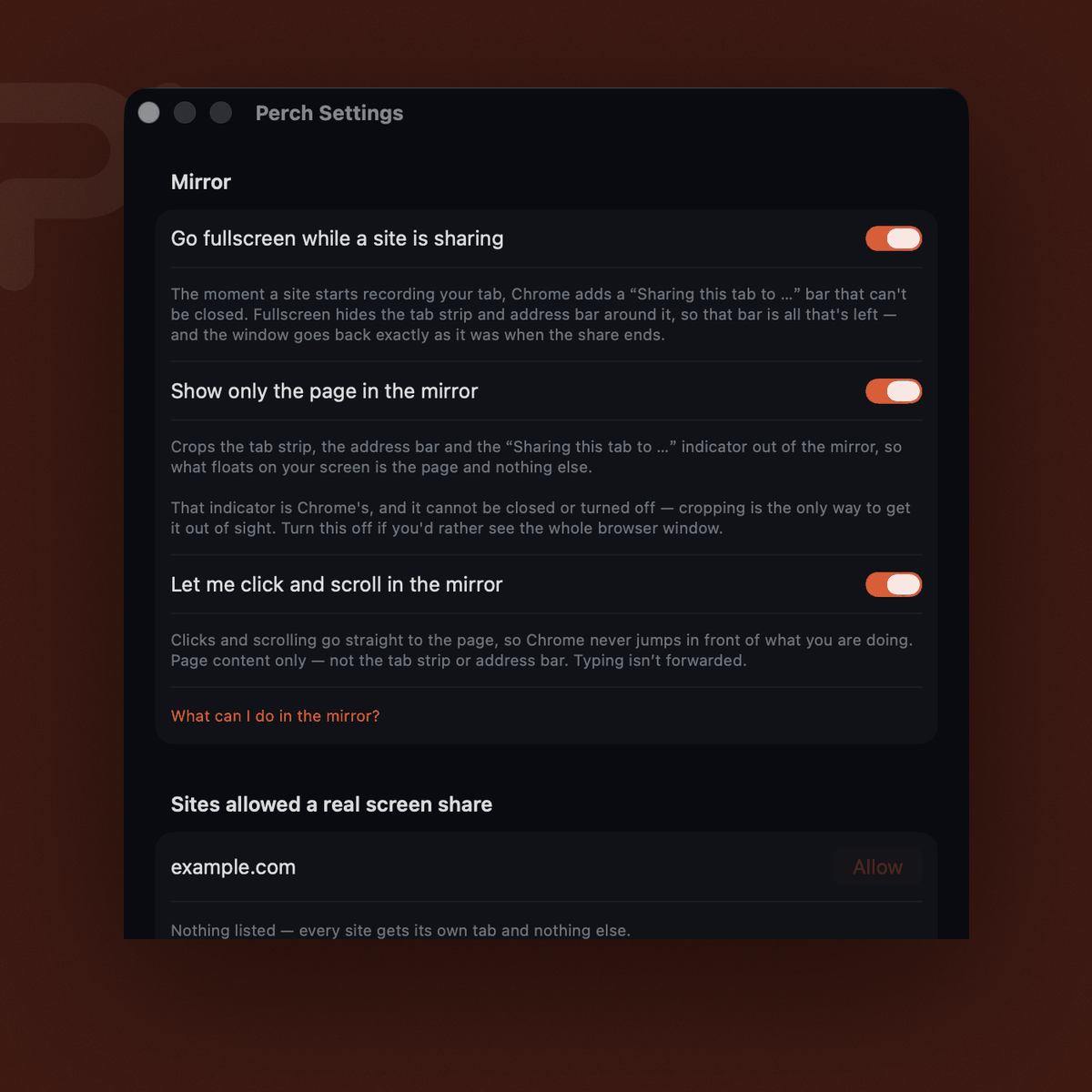
Perch's settings window, showing toggles for going fullscreen while a site is sharing, cropping the mirror to the page, and forwarding clicks and scrolls.
Perch · Settings
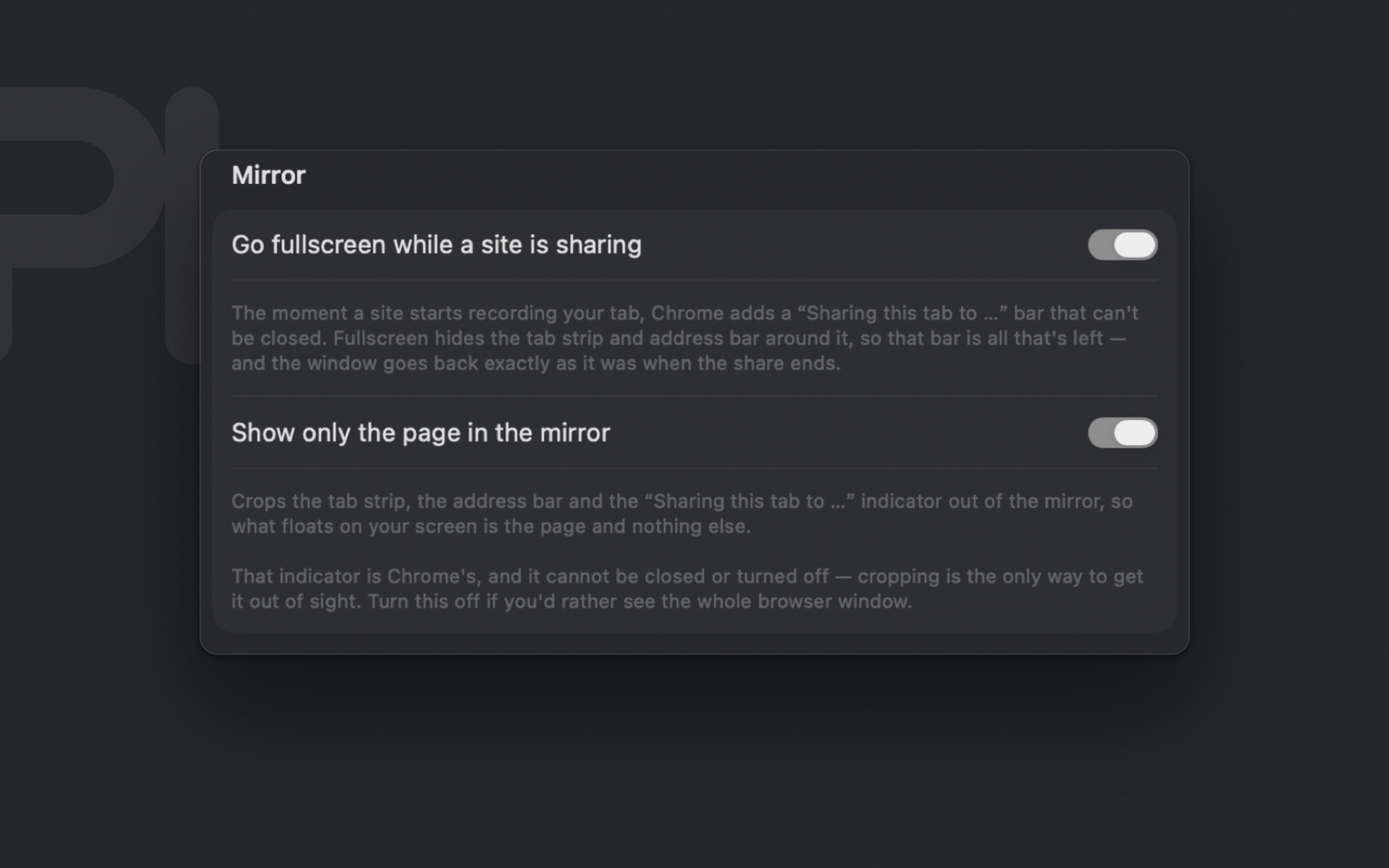
Perch's Mirror settings: go fullscreen while a site is sharing, and show only the page in the mirror — both on, with the explanation of what each one crops.
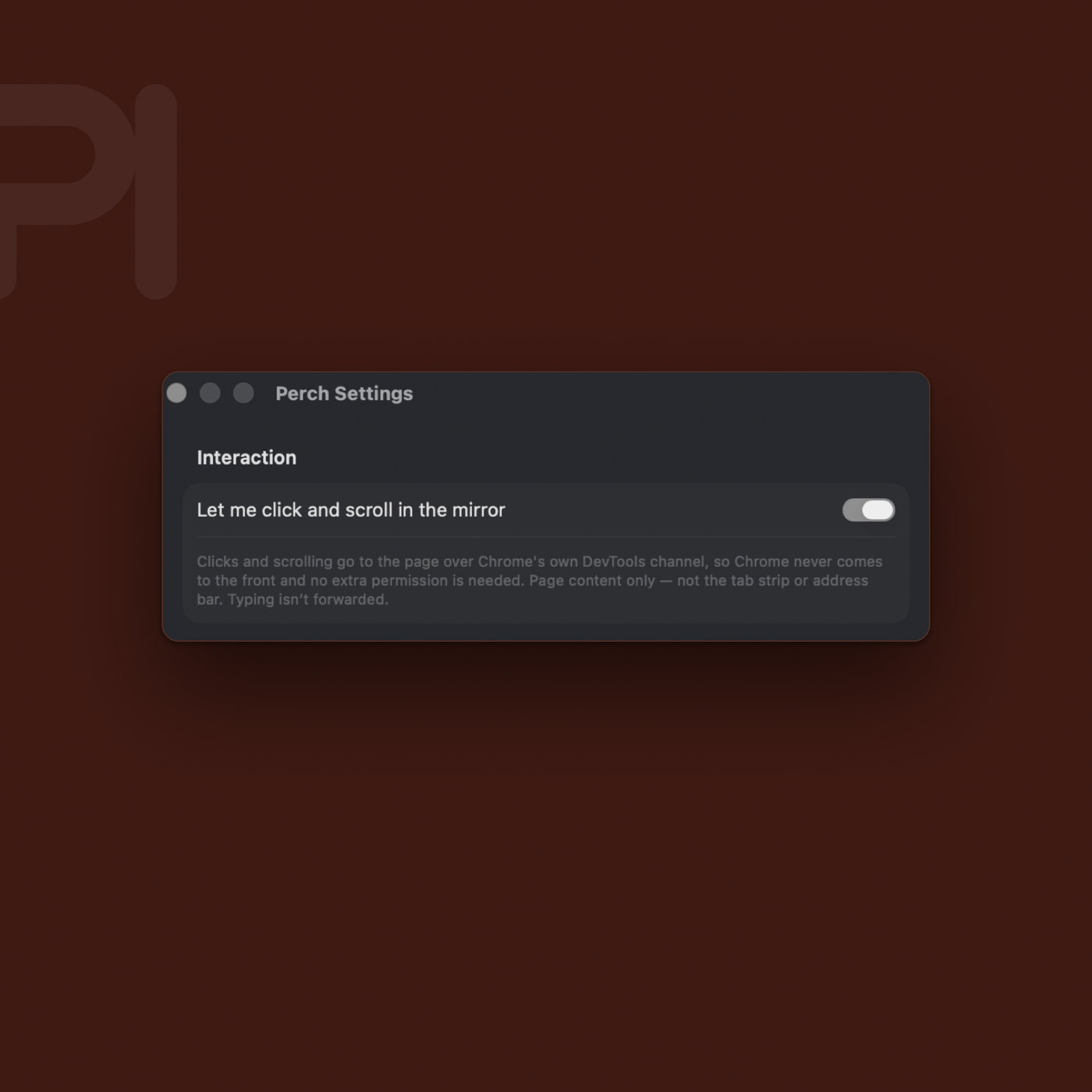
Perch's settings window: the Interaction section, with clicks and scrolling in the mirror switched on.

extensions

Four small ones, in the browser

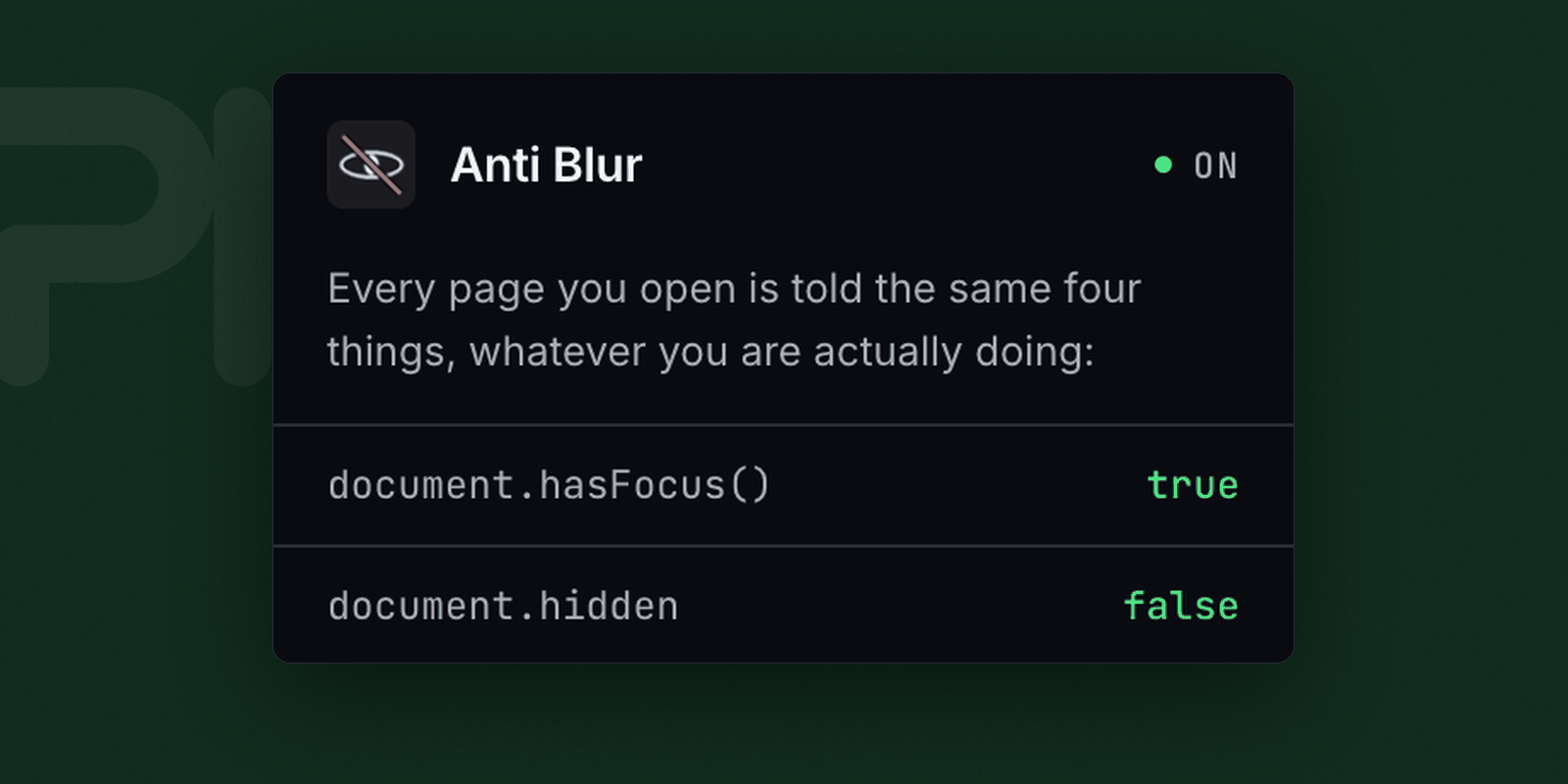
Anti-Blur’s popup: a green ON badge, and the head of the list of things every page is told — document.hasFocus() true, document.hidden false.

Anti-Blur

v1.0.1

Stops sites pausing, dimming or watching for the moment you look away. A page you switched tabs on keeps running as though you were still there.

Permissions
None at all. It declares no Chrome permissions and no host access — only a content script. There is nothing for it to ask you for.
Plans
Every one, Supporter included
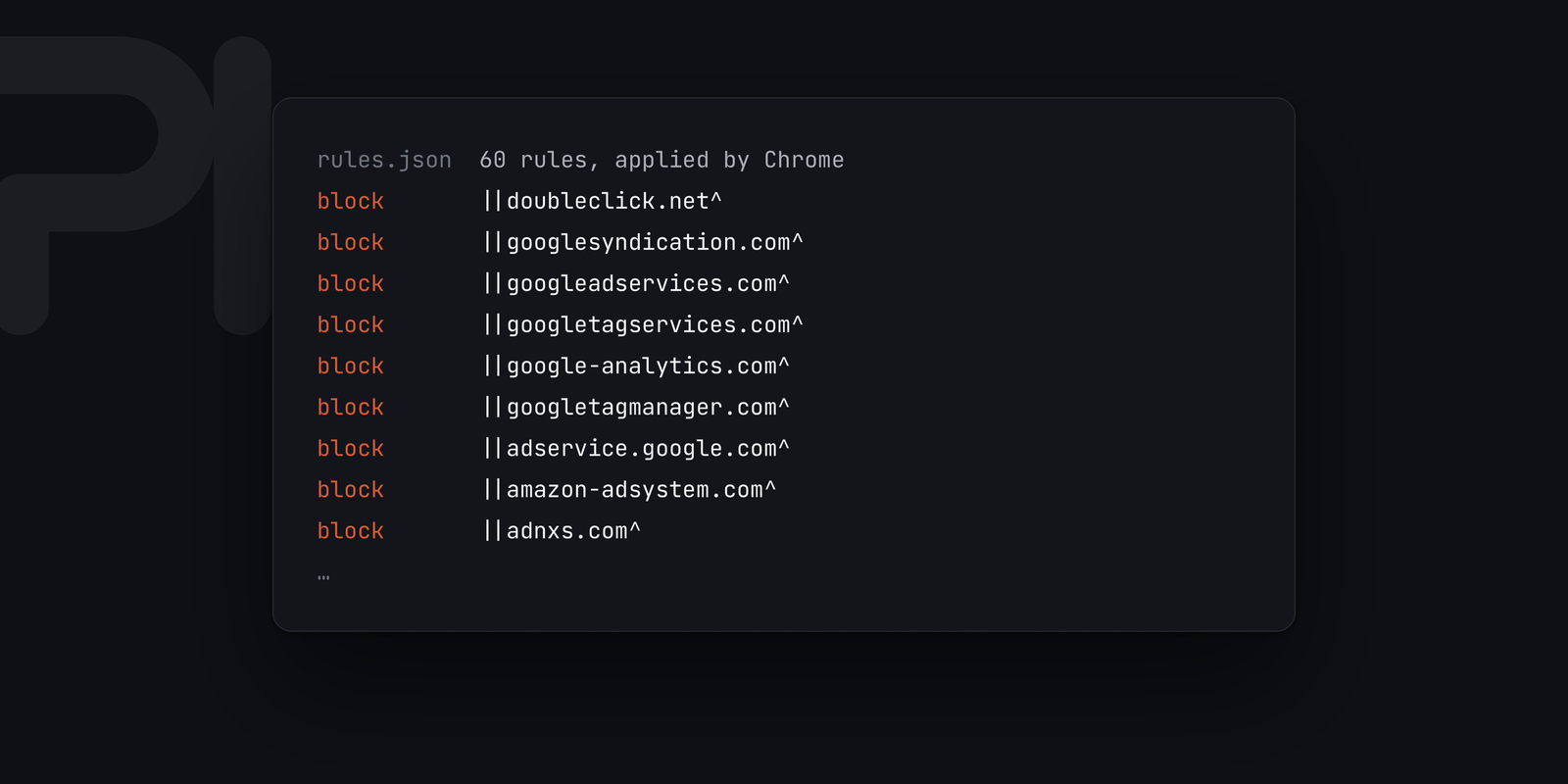
Sodium has no interface. Its rules.json — 60 network rules Chrome applies itself, blocking doubleclick.net, googlesyndication.com and the rest before a request is made.

Sodium

v3.4

Raw speed. It pre-fetches what you are about to open and blocks trackers at the network layer, before the request is made rather than after the script has run.

Permissions
declarativeNetRequest — Chrome applies the rules itself, so the extension never sees your traffic
Plans
Every one, Supporter included
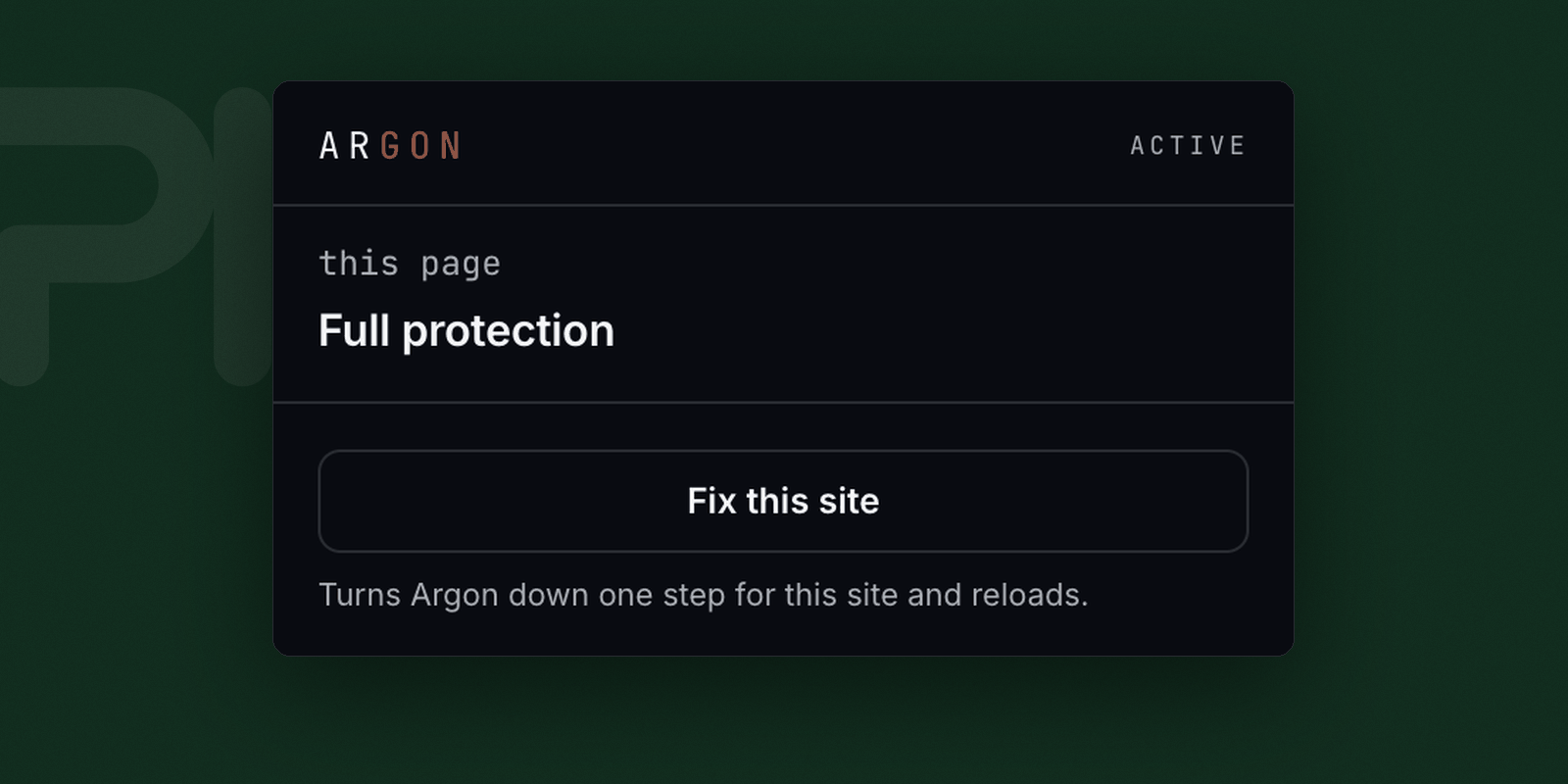
Argon’s panel: ACTIVE, this page on Full protection, and a Fix this site button that turns it down one step for the site and reloads.

Argon

v0.1.0

Stops sites recognising you between visits without a cookie. It shows you which ones read your graphics card, your fonts, your screen and your hardware to fingerprint you — and substitutes what they get.

Consistency
Canvas, WebGL and WebGPU never contradict each other. A contradiction is easier to spot than the value being hidden.
Not yet
Screen, fonts, devices and locale are report-only so far — it tells you they were read, it does not change them.
Plans
Pro and Max
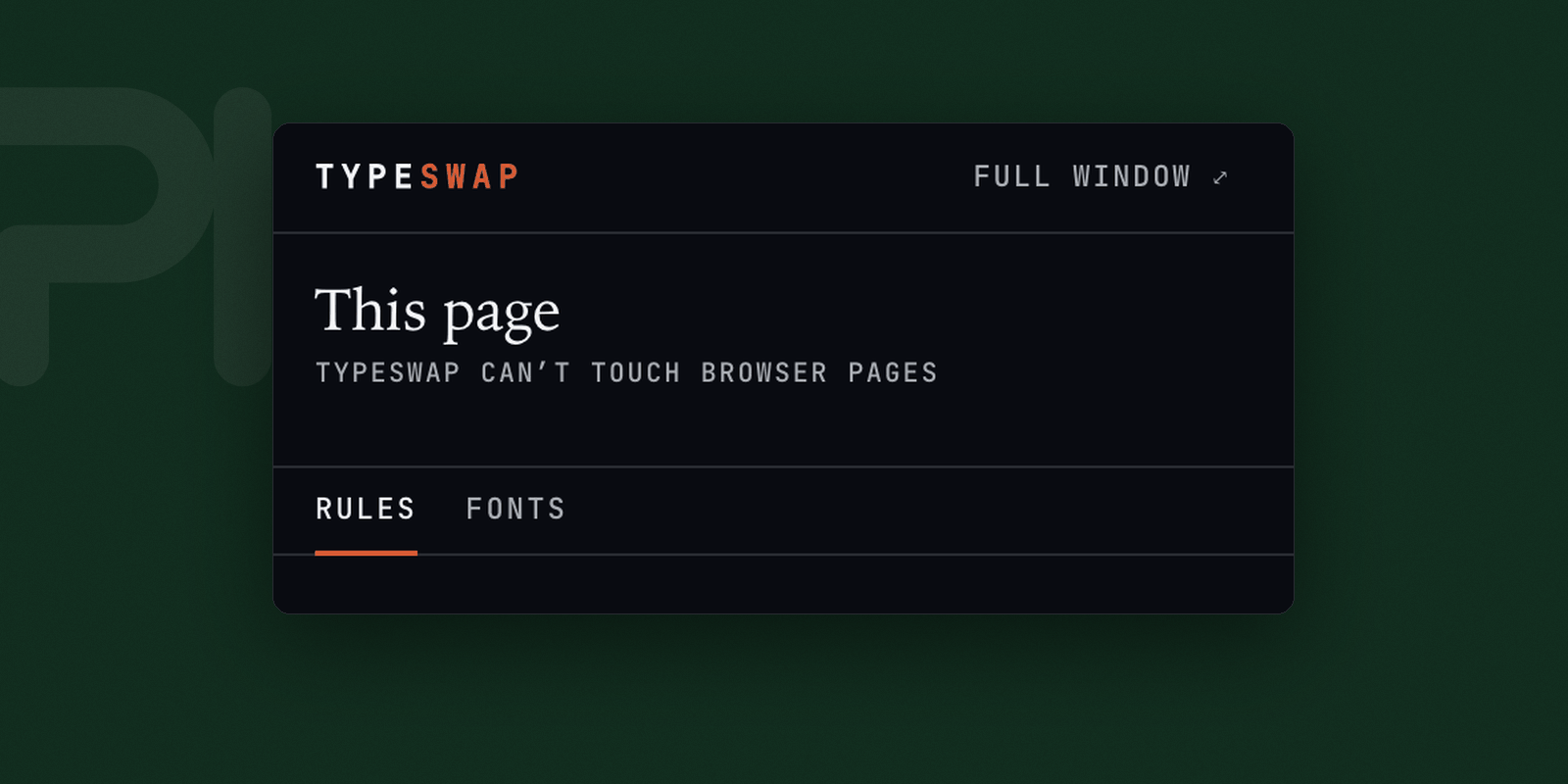
Typeswap’s popup: the page it is looking at, and its Rules and Fonts tabs with Rules selected.

Typeswap

v1.0.0

Your fonts on any website — including the ones whose Content-Security-Policy blocks every other font extension: YouTube, GitHub, X, Google Docs.

Sources
A file, a URL, a .zip, a Google Fonts stylesheet, or anything already installed on the machine
Rules
Per family: all sites, all except some, or only some. Variable fonts keep every axis, each with its own slider.
Plans
Pro and Max
The real popup, switching tabs

None of these is a separate purchase and none ever will be. The Hub holds whichever your plan covers and opens a browser with them already loaded — that browser, not the Chrome you already have open, because Chrome refuses the debugging pipe on a logged-in profile. You can load one into your own browser yourself: what the Hub downloads is a plain folder, and Chrome’s own Load unpacked takes it, on any profile. When a plan stops covering one it stays installed and keeps working; it simply stops receiving updates. How they run · See what each plan covers.

The next one

A slot waiting for whatever gets built next. Add a project block above, point it at its subdomain, and it joins the shelf.

notes

What shipped lately