Blocked, not hidden
The request is refused before it is sent, using Chrome’s own rule engine. Nothing is downloaded and nothing gets a chance to run — which is a different thing from a script that hides the element afterwards.
product / sodium
Trackers refused before the request is made. Ads and trackers blocked at the network layer, the holes they leave closed up, and the next page already loading.
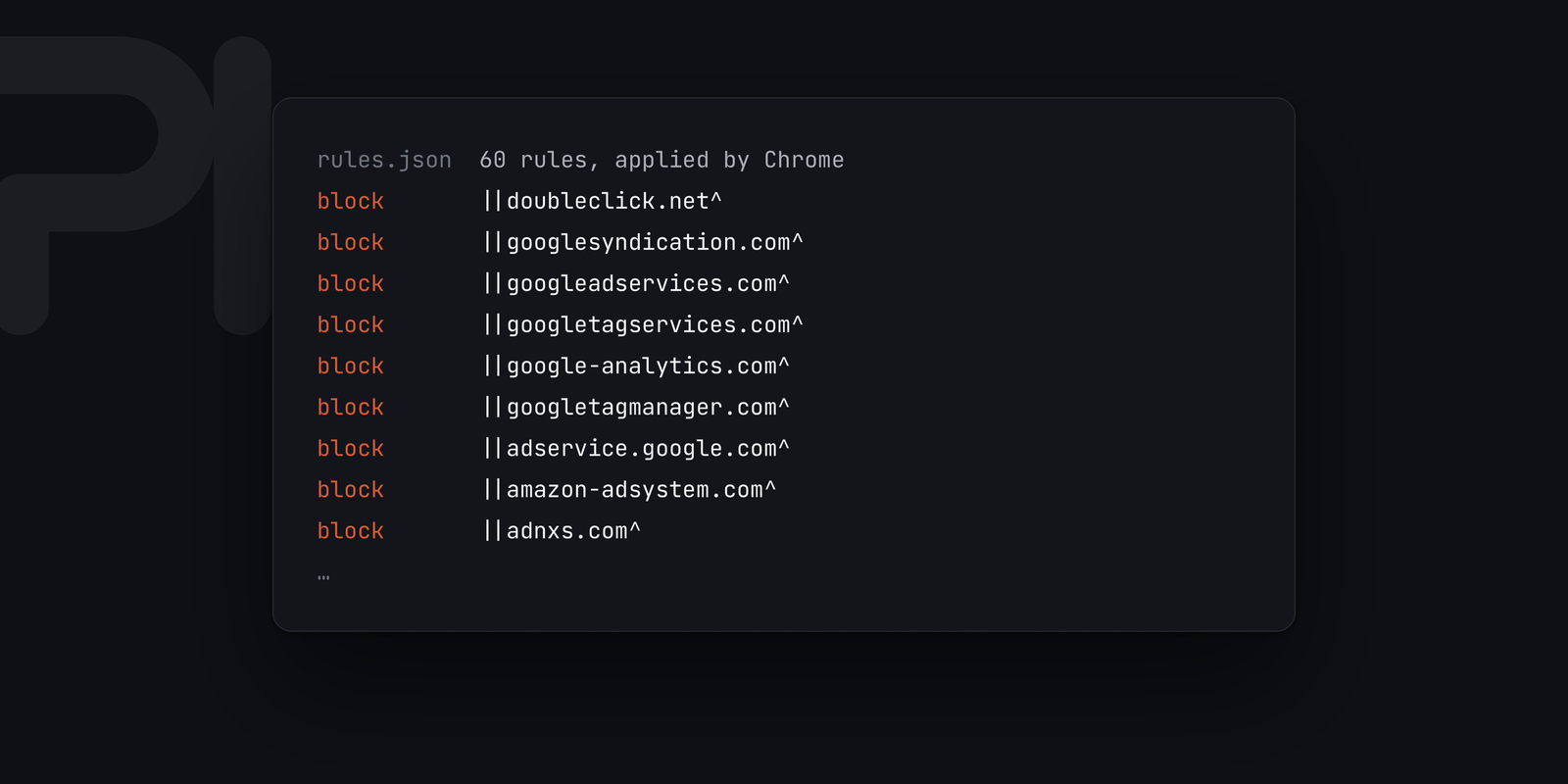
Sodium · the rules Chrome applies
what it does
The request is refused before it is sent, using Chrome’s own rule engine. Nothing is downloaded and nothing gets a chance to run — which is a different thing from a script that hides the element afterwards.
Blocking a banner leaves the space it sat in. Sodium collapses the empty containers, the sticky bars and the overlays that have nothing left to show.
The page you are heading for starts loading while the pointer is still travelling.
There is nothing to set, and that is deliberate: a blocker with a control panel is a blocker asking you to tune it, and every dial is a way to break a page without knowing you did. The toolbar badge counts what it refused on the page you are looking at.
declarativeNetRequest — Chrome applies the rules itself, so the extension never sees your traffic.Free, and a download of its own — never a Chrome Web Store
listing. Take the zip from the download page, unzip it, then open
chrome://extensions, turn on Developer mode and
press Load unpacked on the folder. That runs on your everyday
profile and survives a restart.