product / anti-blur

Anti-Blur

Sites stop knowing the moment you look away. Websites that dim, pause or log the moment you switch tabs are told nothing happened.

v1.0.1Chrome extension · Every plan

Get the Hub Read the docs

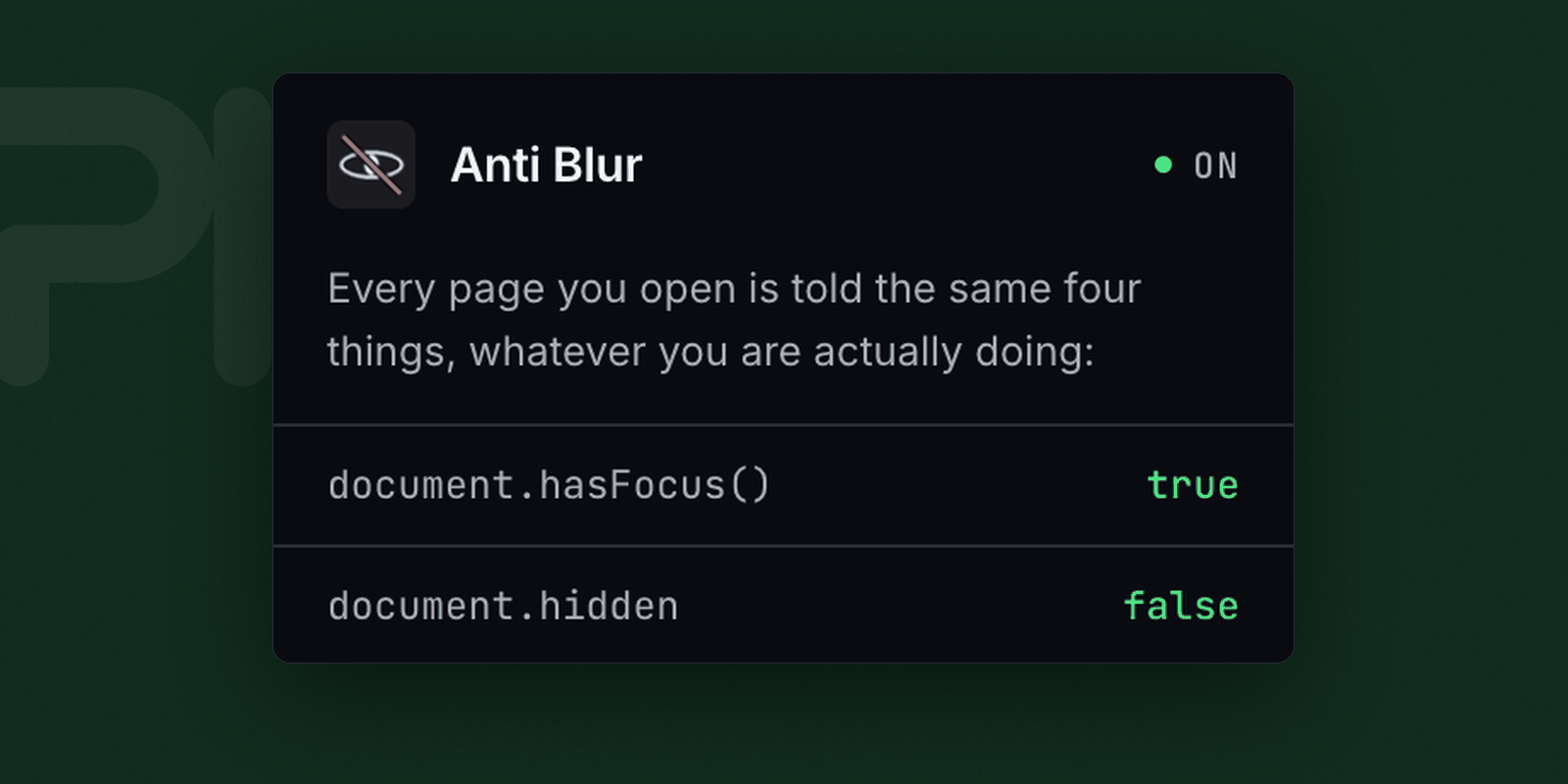
Anti-Blur’s popup: a green ON badge, and the head of the list of things every page is told — document.hasFocus() true, document.hidden false.

Anti-Blur · the popup

what it does

What every page is told

Four properties, one answer

Switch tabs, click into another app or move the pointer off the page and most sites can tell. Anti-Blur answers document.hasFocus(), document.hidden and visibilityState as though you never left, and never delivers the blur and visibilitychange events that would say otherwise.

What that looks like

Videos keep playing when you switch tabs. Timers, animations and countdowns keep running. Attention analytics get a flat line.

“Blur” is the browser’s word, not the camera’s

A blur event is what a page receives when it loses focus. Nothing here sharpens an image.

What it cannot do

  • It cannot stop a site that measures something else. A page watching request timing or frame rate can still infer a great deal.
  • It does not block ads or trackers. That is Sodium.
  • It does not stop a site recording your screen. That is Perch.
  • There is no per-site switch. It is on for every page or off entirely — use Chrome’s own extension menu when a page needs to behave normally.
Permissions
None at all. No Chrome permissions and no host access — one content script, running before the page’s own.
Stored
Nothing.
Interface
A popup that reports what pages are being told.
Terms
Its own Terms and Privacy Policy.

Getting Anti-Blur

Not a separate download, and never a Chrome Web Store listing. The Hub holds whichever extensions your plan covers and opens a browser with them already loaded.

They run in the Chrome the Hub opens, not the Chrome you already have open. Chrome refuses the debugging pipe on a logged-in profile — it would expose cookies and saved passwords — so a separate profile is the only configuration Chrome allows. And because an extension loaded that way is not remembered across a restart, the Hub is what starts that browser each time.

When a plan stops covering Anti-Blur it stays installed and keeps working. It simply stops receiving updates.

Get the Hub See what each plan covers