01
The picker is unchanged
A site calls getDisplayMedia and the browser shows the picker it always shows. Nothing is patched and nothing is hidden — you pick a screen, a window or a tab, and the choice is genuinely yours.
product / perch
Websites that ask to record your screen only ever get the tab that asked.
features
01
A site calls getDisplayMedia and the browser shows the picker it always shows. Nothing is patched and nothing is hidden — you pick a screen, a window or a tab, and the choice is genuinely yours.
02
What resolves is a capture of the asking tab itself, reporting itself as Entire screen with a monitor’s dimensions. The page’s own checks agree with what it thinks it asked for.
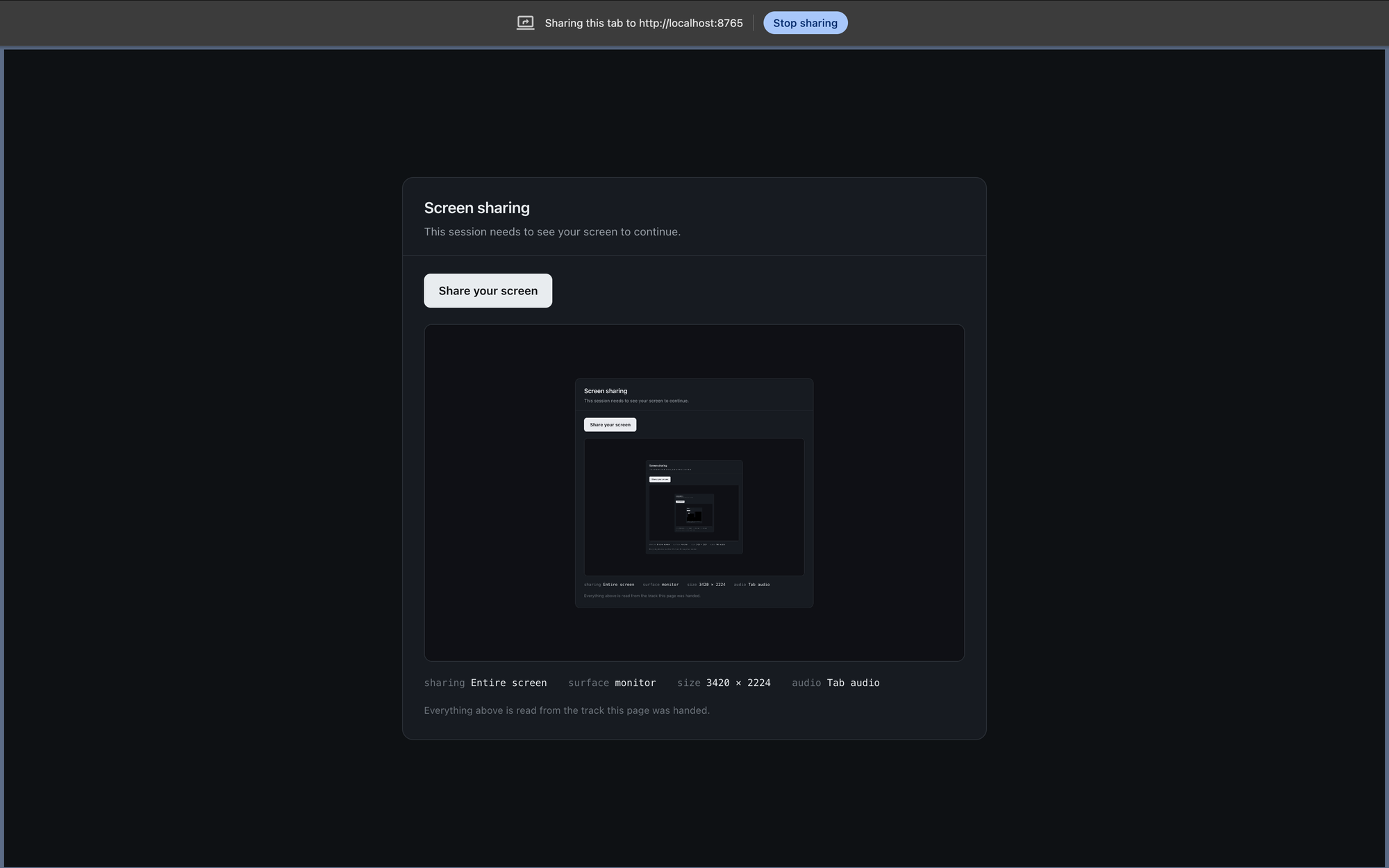
03
The rest of the browser lives in a floating window you can watch and click through. Cover it with anything you like — an occluded window keeps producing frames, and the stream never notices.
A per-user install with no administrator prompt, on either platform. Free, with every feature.