what it does
What a fingerprint is made of
A cookie is not the only way back to you
A site can read your screen size, your graphics hardware, the fonts you have installed, your timezone, how your browser draws a line of text. Boring on their own; together, close to unique. That combination survives clearing cookies and using a private window.
So the details are substituted
The fingerprint a site computes is not the one it computed last time. Canvas, WebGL and WebGPU never contradict each other — a contradiction is easier to spot than the value being hidden.
And the panel says what was read
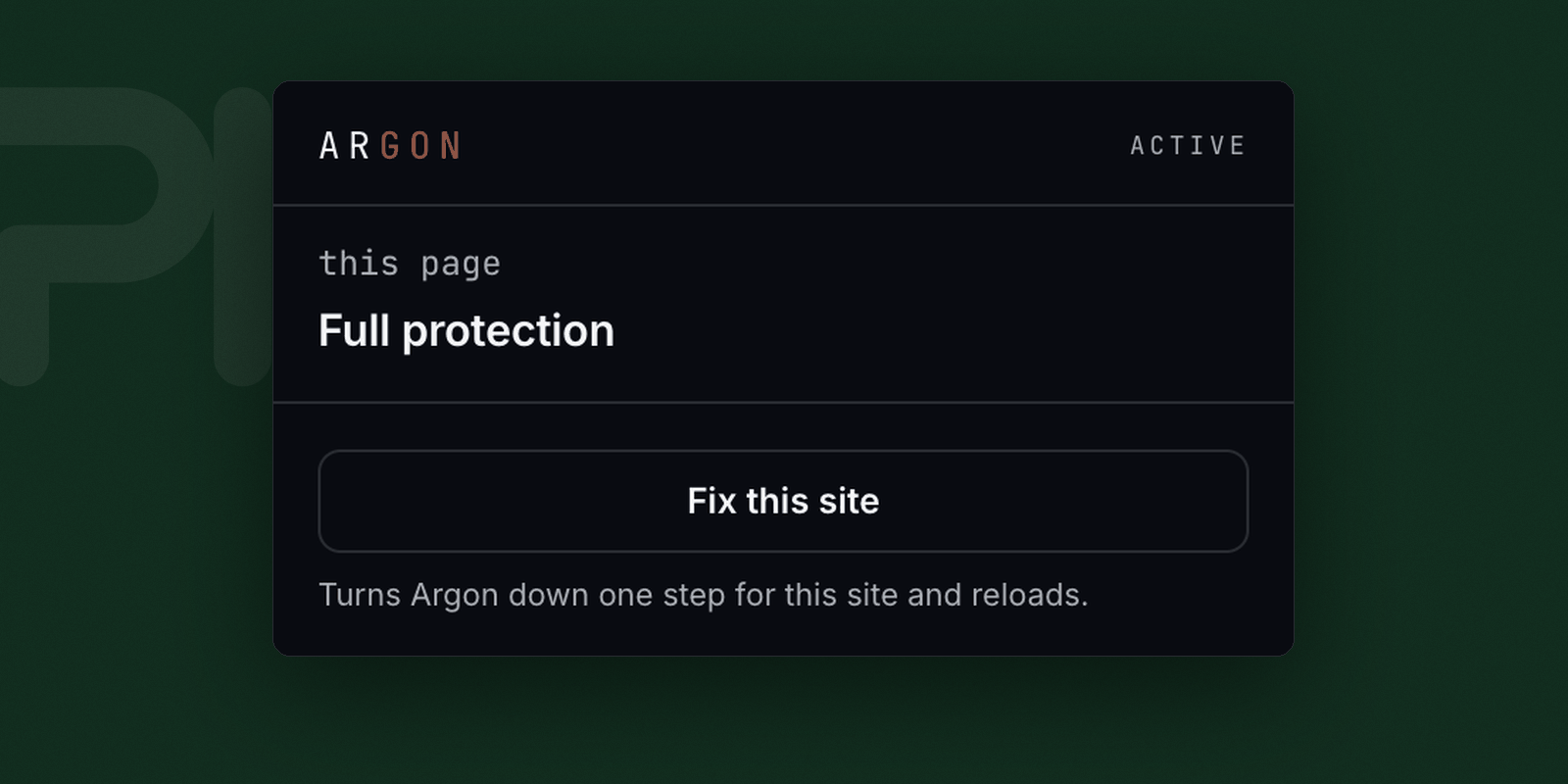
It reports the level in force, what the page tried to read grouped by what it was after, and any exception you granted this site, with a control to take it back.
The three levels
- Standard
- Full protection. Everything a fingerprint is built from is substituted. This is the normal state.
- Compatible
- Reduced, for a site that genuinely breaks under Standard. Some real values get through.
- Off
- No substitution for this site.
What it cannot do
- Screen, fonts, devices and locale are report-only so far. Argon tells you they were read; it does not yet change them.
- It cannot hide your IP address. That is what a VPN is for, and no extension can do it.
- It does not block ads or trackers — a tracker that is allowed to load can still count the visit. Pair it with Sodium.
- It does not help while you are signed in. A site you have logged into knows who you are because you told it.
- Consistency
- Canvas, WebGL and WebGPU never contradict each other.
- Not yet
- Screen, fonts, devices and locale are report-only.
- Stored
- The per-site levels you set, kept in the browser. Argon reads nothing and sends nothing.
- Interface
- A toolbar panel, per page.