what it does
One face, everywhere you read
One face, or one site at a time
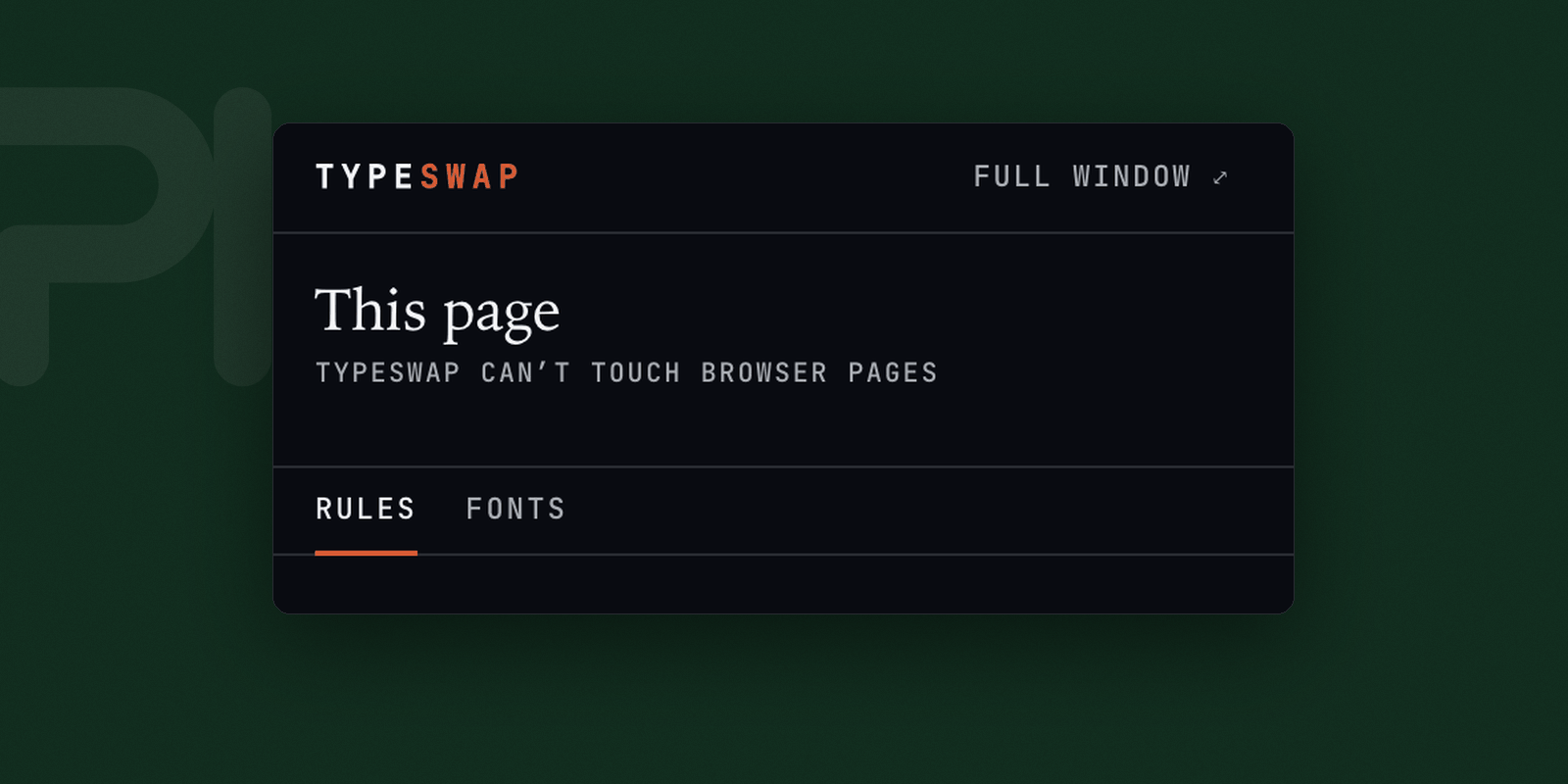
Replaces the fonts a website uses with one you choose. Useful when a site ships a typeface that is hard to read at your size, when you want the same face everywhere, or when you read for long enough that the difference matters.
The sites that block every other font extension
Some sites set a Content-Security-Policy that refuses fonts from anywhere but their own servers — which is what stops most font extensions working on exactly the sites you most want to change. Typeswap installs its font through a route that policy does not cover.
Rules, per family
All sites, all except some, or only some. Variable fonts keep every axis, each with its own slider.
Where a font can come from
- Your system
- Anything already installed on the machine.
- A file
- Drop in a
.woff2, .ttf or .otf. It stays on this machine.
- A URL
- Point at a hosted font and it is fetched once and kept.
- A stylesheet
- A Google Fonts stylesheet, or a
.zip of faces.
What it cannot do
- It cannot change text baked into an image, or text drawn on a canvas.
- It will not fix a site whose layout depends on its own font’s exact metrics — a wider face can wrap differently. Pick a similar one, or set it for that site only.
- Icon fonts are left alone deliberately. Swapping those turns every icon on the page into a letter.
- Stored
- The fonts you add and the sites you set them for, kept in the browser. A font from a file never leaves the machine.
- Interface
- A toolbar popup, and a full window for longer work.